✨ For a limited time, for new account creation 50 Pixi gift!
The wait for photo uploads is over.
With LiveSync, photos are transferred to Pixcloud automatically as they are captured. Your event stays current while it is still happening, and guests can reach their photos sooner.
Memory card transfer, folder waiting, and post-event batch upload work are reduced to a minimum.
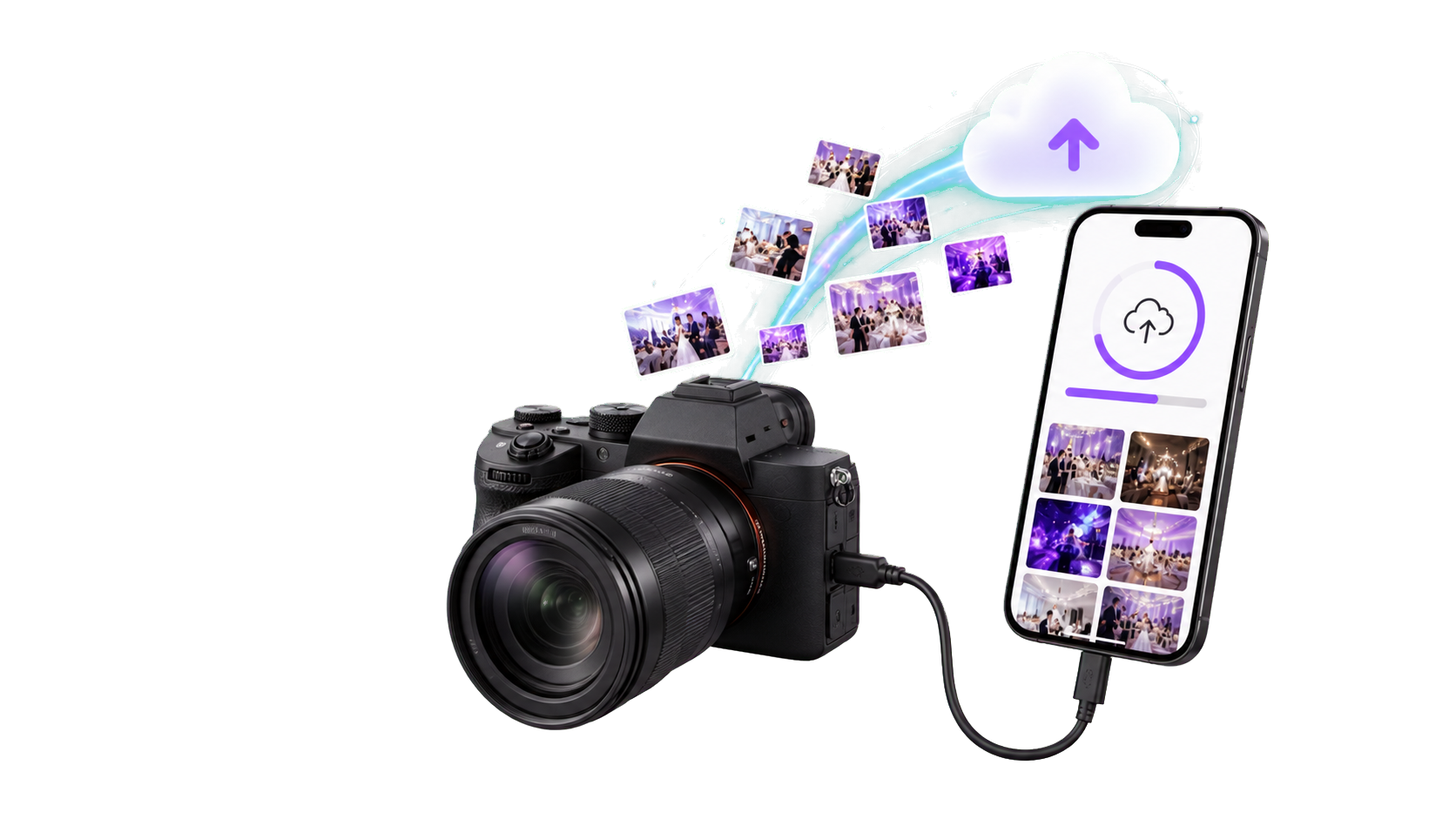
A simple event-time workflow
Select the event
The photographer signs in to the LiveSync app and chooses the active Pixcloud event.
Connect the camera
Photos start moving securely through the LiveSync app into the Pixcloud event.
Let guests access photos
Uploaded photos enter the Pixcloud flow; face recognition and sharing begin without delay.
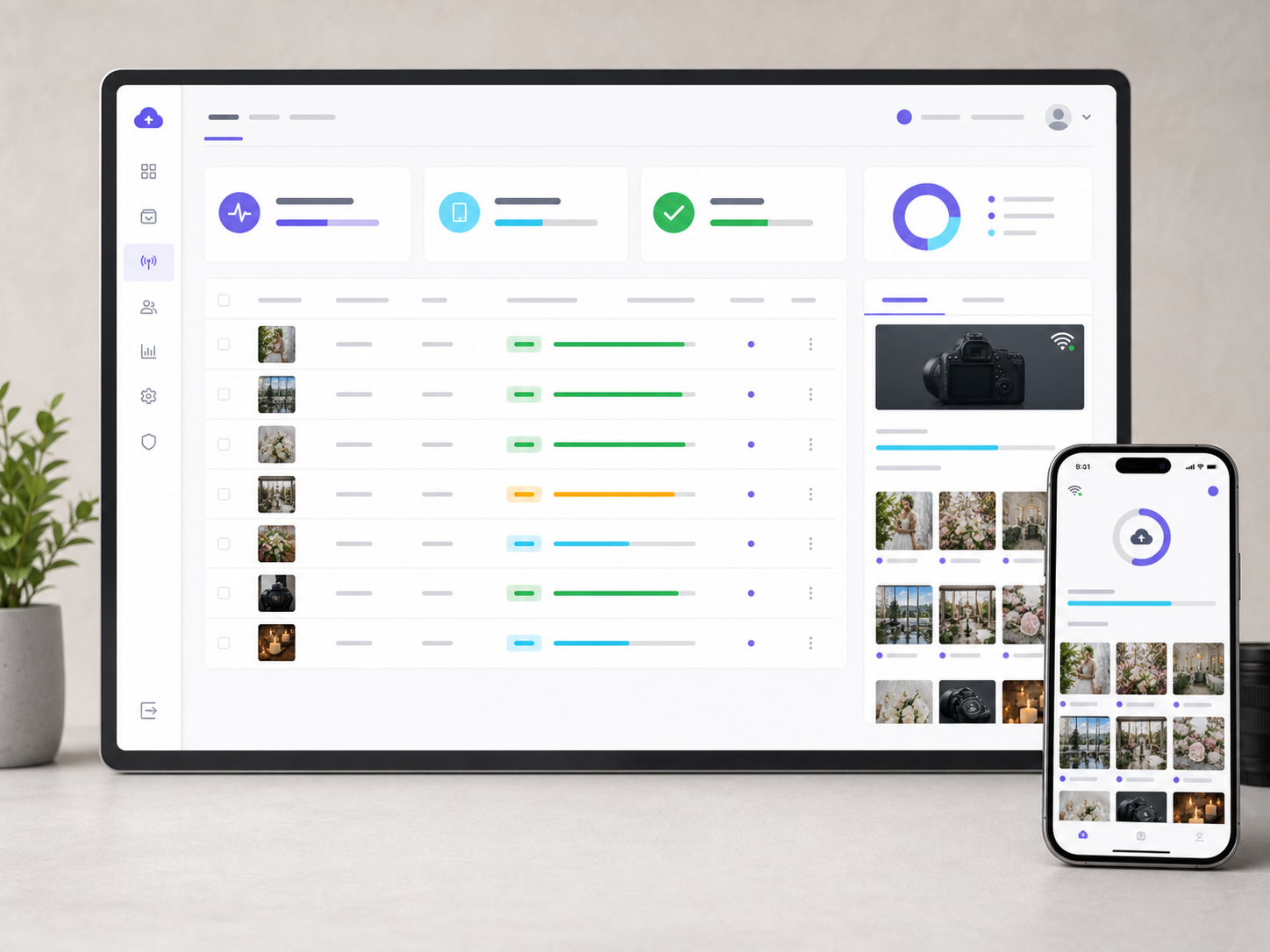
Live monitoring in the panel
The LiveSync screen on each event shows which device uploaded each photo and where it is in processing. The operations desk stays current while the team is in the field.
Less memory card transfer and folder waiting after the event.
Live upload status is visible in the panel, including successful, processing, and failed files.
The guest journey stays simple: no app install, just the Pixcloud event link.
Face recognition, watermarking, and monetization continue inside the existing Pixcloud pipeline.
Try LiveSync at your next event.
Download the app, sign in with your Pixcloud account, and start transferring event photos while you shoot.